Collage & Photo Grid

Arrange media library photos as a grid, mosaic, polaroid, filmstrip or contact sheet, tune gaps, corners and frames on a live preview, and insert it all as an editable layer group.
Design Tools

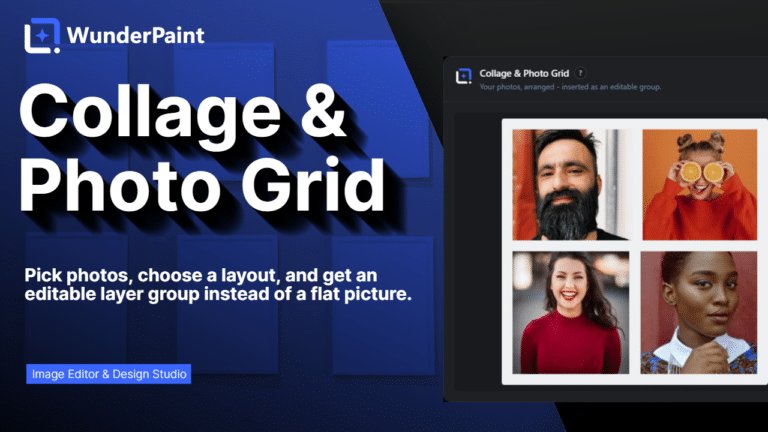
Pick photos, choose a layout, and get an editable layer group instead of a flat picture.

Ten holiday photos, one clean sheet, two minutes. Collage & Photo Grid picks up images straight from your media library and arranges them for you, and what lands on the canvas is not a flat picture but a group of ordinary layers you can keep working on.

Choose the arrangement that fits the story: an even grid, a mosaic where some photos get more room, polaroids with a caption strip, a filmstrip, or a contact sheet. Set the gap between the photos, round the corners, add a frame, and watch every change on a live preview before anything touches your document.

When it fits, the whole collage drops in as one editable layer group. Move a single photo, swap one out, retouch it, restyle a frame, or pull the group apart entirely. Nothing is baked in, because every photo stays a normal image layer with everything the editor can do to it.

Where to find it

Tools, then Collage & Photo Grid

What it replaces

Dragging photos into place by hand, or a collage app that hands back one flat JPEG

What you get

  • Grid, mosaic, polaroid, filmstrip and contact sheet layouts
  • Photo picking through the WordPress media picker
  • Gap, corner radius and frame controls
  • A live preview of every change
  • Insertion as an editable layer group
  • Every photo stays a normal image layer
  • Captions on the polaroid layout
  • Runs fully in your browser

Requirements

Part of the free plugin. Runs entirely in your browser, no key and no service.

Frequently asked questions

Yes, that is the point. The collage is a group of normal image layers, so you can move one photo, swap it, retouch it or take the group apart entirely.
As many as the layout sensibly holds. A contact sheet takes a lot, a polaroid arrangement works best with a handful.
No. Everything happens in your browser, on the images already in your media library.
Open the tool again and insert a new arrangement. The existing group stays untouched until you delete it, so you can compare both.

Features

Five ways to arrange

Grid for an even sheet, mosaic when some photos deserve more room, polaroid with a caption strip, filmstrip, or a classic contact sheet.

Features

Straight from your library

Pick the photos in the familiar media picker, no uploading them somewhere else and no dragging files around.

Features

Tune it while you watch

Set the gap between photos, round the corners and add a frame, all on a live preview before anything lands on your canvas.

Features

It stays editable

The collage arrives as one layer group of ordinary image layers, so you can move, swap, retouch or restyle any single photo afterwards.

Experience Collage & Photo Grid in WunderPaint

Pick photos, choose a layout, and get an editable layer group instead of a flat picture.

Brush & Paint Styles

Paint with six styles that mix pigment instead of blending it, pick from thirty-seven tips shown as real strokes, draw a tip of your own out of shapes, and let the color travel along the stroke.

Collage & Photo Grid

Arrange media library photos as a grid, mosaic, polaroid, filmstrip or contact sheet, tune gaps, corners and frames on a live preview, and insert it all as an editable layer group.

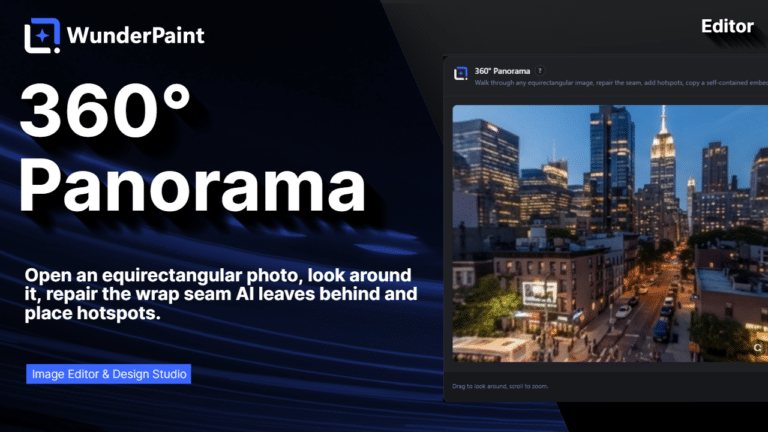
360° Panorama

Describe a place and the tool builds the full sphere around you, or let it rebuild a photo you already have as the whole scene around the camera. What comes out is somewhere visitors can look around, hotspots and all, in an embed that carries its own viewer.

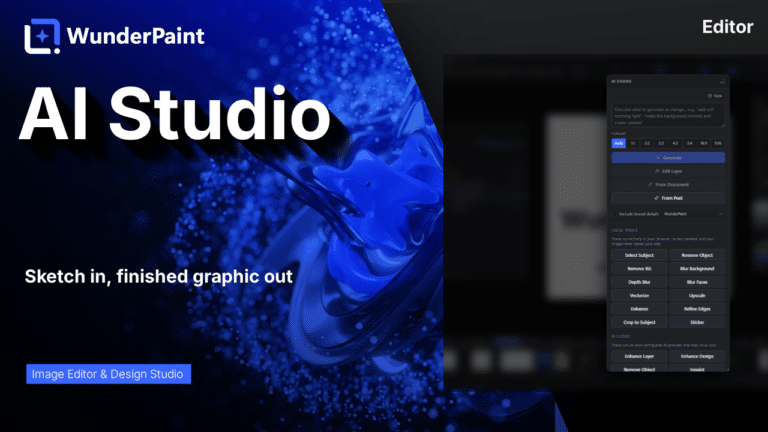
AI Studio

Generate, edit, retouch and clean up images from a prompt or a single click, all in one panel. Many tools run locally with no key; prompt generation uses your own Gemini or OpenAI.

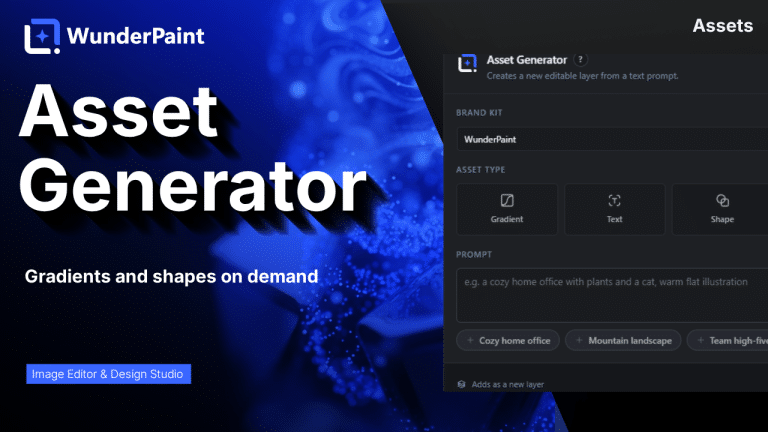
Asset Generator

Gradients, text treatments, shapes and illustrations generated from a prompt, in your brand colors, arriving as editable layers.

Stock Images

Search Pexels, Pixabay and Unsplash without leaving the editor, and insert what you find as a layer rather than a download.

Asset Library

Ready-made designs across social, marketing and seasonal categories, opening as layered documents in a new tab so your current work stays untouched.