Dynamic Templates

Layers bound to post titles, excerpts, categories, custom fields, product prices or featured images, with text that resizes itself to fit.
The Dynamic Templates dialog in WunderPaint
Library & Assets

Build the design once and let every post, product or page fill it in.

This is the feature that changes how you work more than any filter or brush: the moment a design stops being a picture and becomes a form that fills itself in.

Select a text or image layer, open Properties and pick a variable under Dynamic content. The sources are broad: the post title, excerpt, content, category and date, the author name and bio, the site name and tagline, WooCommerce product fields including price, sale price and discount, every ACF text or image field, and any custom field at all by its meta key.

Two things make it survive contact with real content. Text layers take a minimum and maximum font size, so a long title shrinks until it fits and anything still overflowing is shortened rather than escaping the frame. And bound image layers have an image fit setting with an anchor, so featured images of any shape land cropped rather than squashed.

The detail I like most: a variable with no value hides its layer. Bind a discount badge to the discount field and it appears only on products that are actually on sale. No conditional logic, nothing to maintain, and one template quietly becomes several.

While designing, View then Preview with Post drops real content into the design so you can see what a genuinely long headline does before you commit. It is non-destructive, your placeholder text comes back when you leave, and it is the fastest way to find out whether a template is robust.


Play Video

Where to find it

Assets, then Dynamic Templates

What it replaces

Making the same graphic two hundred times with a different headline

What you get

  • Dynamic content binding on text and image layers
  • Post, author, site, product, ACF and custom field sources
  • Minimum and maximum font size per bound layer
  • Image fit and anchor for bound pictures
  • Preview with a real post while designing
  • Saving as a reusable dynamic template

Requirements

Designing and saving templates is in the free plugin. Running them over many posts at once needs Pro.

Frequently asked questions

Designing a dynamic template, binding layers and previewing with a real post are in the free plugin. Running a template across hundreds of posts in one batch is the Pro side.
It shrinks to the minimum size you set. If it still does not fit, it is shortened with an ellipsis. Setting that range is the single most important step in building a template that works unattended.
Yes. Brand kit bindings resolve by key rather than by a fixed kit, so the same template renders in each client’s colors depending on which kit is active.

Features

Bind almost anything

Post fields, author, site, WooCommerce products, ACF fields and any custom field by meta key, plus brand kit values and the current date.

Features

Text that fits itself

A minimum and maximum size per layer, so long titles shrink rather than break the layout, with an ellipsis as the last resort.

Features

Images that crop rather than squash

Cover or fit, with an anchor deciding which part survives, so featured images of any proportion land correctly.

Features

Empty means invisible

A variable with no value hides its layer, which turns optional elements into a design tool rather than a problem.

Experience Dynamic Templates in WunderPaint

Build the design once and let every post, product or page fill it in.

Brush & Paint Styles

Paint with six styles that mix pigment instead of blending it, pick from thirty-seven tips shown as real strokes, draw a tip of your own out of shapes, and let the color travel along the stroke.

Collage & Photo Grid

Arrange media library photos as a grid, mosaic, polaroid, filmstrip or contact sheet, tune gaps, corners and frames on a live preview, and insert it all as an editable layer group.

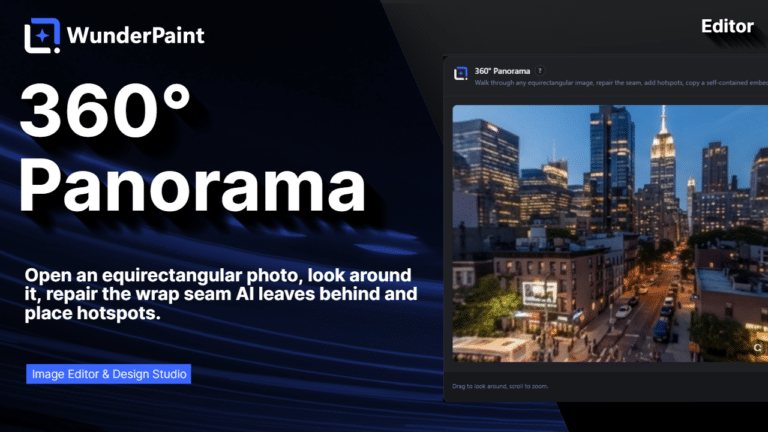
360° Panorama

Describe a place and the tool builds the full sphere around you, or let it rebuild a photo you already have as the whole scene around the camera. What comes out is somewhere visitors can look around, hotspots and all, in an embed that carries its own viewer.

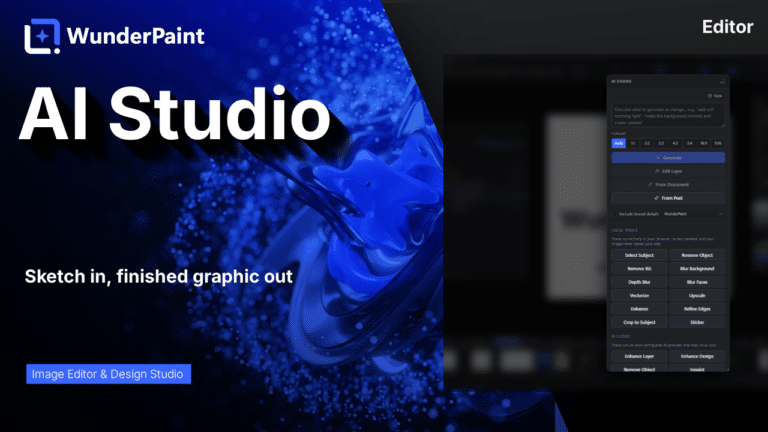
AI Studio

Generate, edit, retouch and clean up images from a prompt or a single click, all in one panel. Many tools run locally with no key; prompt generation uses your own Gemini or OpenAI.

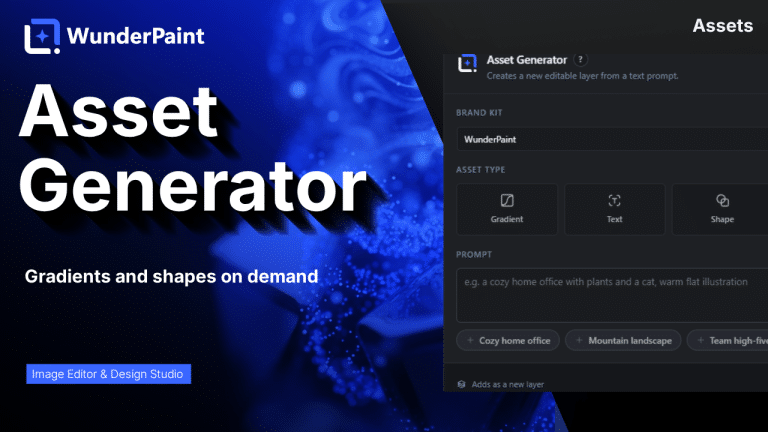
Asset Generator

Gradients, text treatments, shapes and illustrations generated from a prompt, in your brand colors, arriving as editable layers.

Stock Images

Search Pexels, Pixabay and Unsplash without leaving the editor, and insert what you find as a layer rather than a download.

Asset Library

Ready-made designs across social, marketing and seasonal categories, opening as layered documents in a new tab so your current work stays untouched.

Brand Kits

Colors, typefaces, a logo, a watermark and a company profile in one place, feeding every picker, template and generator on the site.