AI Studio

Generate, edit, retouch and clean up images from a prompt or a single click, all in one panel. Many tools run locally with no key; prompt generation uses your own Gemini or OpenAI.
Design Tools

A prompt or a single click, generate and retouch without leaving the editor.

Every image tool you would normally chase across a dozen tabs, sitting in one panel right on top of your design. AI Studio is where WunderPaint turns a prompt or a single click into a finished edit, without ever leaving the editor.

Type what you want and generate a fresh image, or point it at a layer and edit it in place: paint over a spot to inpaint, extend past the frame with outpaint, swap or blur the background, remove an object, restore an old photo, colourise a black and white shot, or ask for variations until one clicks.

The quick actions handle the everyday jobs in a single tap, and many of them run entirely in your browser with no key and no cost: cut out the background, upscale, add a real depth-of-field blur, blur faces for privacy, select or crop to the subject, refine edges and vectorise. For prompt generation and prompt editing you connect your own AI provider, Google Gemini or OpenAI, so you stay in control of the model and the cost.

And it understands context: generate from the current document or from a post, fold in your brand kit, watch progress and cancel a run mid-flight. Extensions can even add their own AI tools right into the same panel.

Play Video

Where to find it

The AI Studio tab in the editor's right-hand panel.

What it replaces

A drawer full of separate AI image editing subscriptions and their monthly credits.

What you get

  • A prompt box with Generate (text to image) and Edit Layer
  • Inpaint and Outpaint for spot edits and extending past the frame
  • Remove and replace the background
  • Upscale and Enhance
  • Depth blur and Blur faces for privacy, run locally
  • Select subject, Crop to subject and Refine edges
  • Restore photo, Colorize and Remove object
  • Vectorize, Cartoon and Sticker styles
  • A variations chooser, with cancel at any time
  • Context from the document, a post and your brand kit
  • Google Gemini and OpenAI providers, plus local no-key tools
  • Open to extensions that add their own AI tools

Requirements

The local tools (remove background, upscale, depth blur, blur faces, select subject and more) run in your browser with no key and no cost. Prompt generation and editing connect to your own AI provider, Google Gemini or OpenAI, set once in Settings.

Frequently asked questions

Not for the local tools like remove background, upscale, depth blur and blur faces; they run in your browser. Prompt generation and editing use your own Google Gemini or OpenAI key, set once in Settings.
The local tools never upload anything. Prompt generation and editing send only what that action needs to the provider you chose, and nothing else leaves your browser.
Google Gemini and OpenAI. You pick the one you want and use your own account, so you stay in control of the model and the cost.
Yes. Every action lands as a normal, editable layer and is a single undo step, and you can cancel a run while it is still working.

Features

Generate and edit from a prompt

Type a prompt for a fresh image, or edit any layer in place: inpaint a spot, outpaint past the frame, or ask for variations until one fits.

Features

One-click fixes, many of them local

Remove background, upscale, depth blur, blur faces, select or crop the subject, refine edges and vectorise, several with no key and no cost.

Features

Studio retouching

Restore old photos, colourise black and white, enhance, remove objects and replace backgrounds without hand-masking.

Features

On your terms

Bring your own Gemini or OpenAI key, pull context from the document, a post or your brand kit, and cancel any run mid-flight.

Experience AI Studio in WunderPaint

A prompt or a single click, generate and retouch without leaving the editor.

Brush & Paint Styles

Paint with six styles that mix pigment instead of blending it, pick from thirty-seven tips shown as real strokes, draw a tip of your own out of shapes, and let the color travel along the stroke.

Collage & Photo Grid

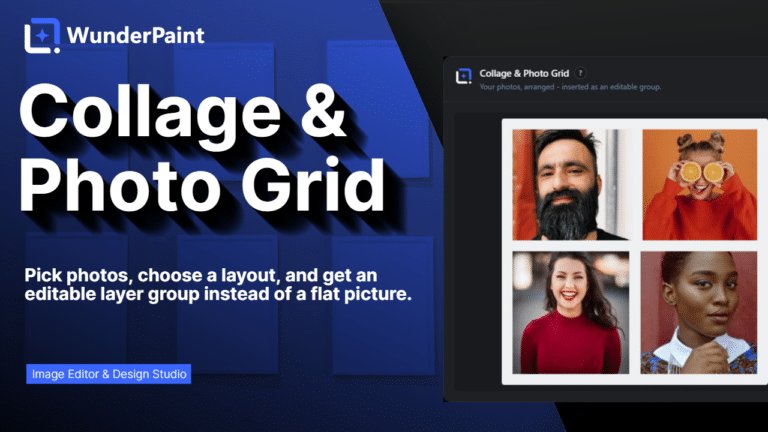
Arrange media library photos as a grid, mosaic, polaroid, filmstrip or contact sheet, tune gaps, corners and frames on a live preview, and insert it all as an editable layer group.

360° Panorama

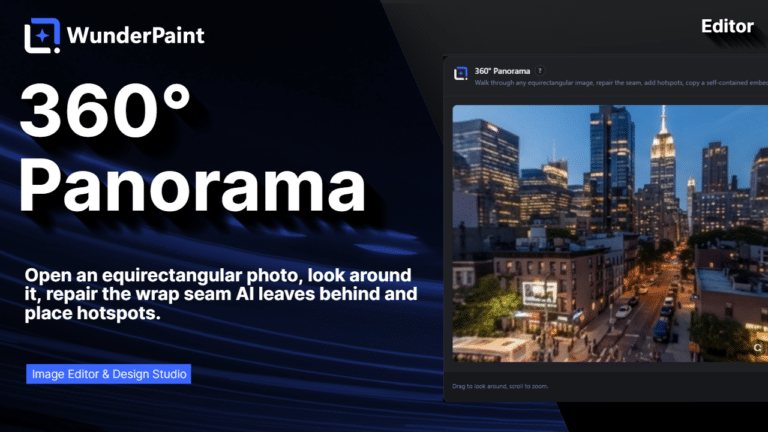
Describe a place and the tool builds the full sphere around you, or let it rebuild a photo you already have as the whole scene around the camera. What comes out is somewhere visitors can look around, hotspots and all, in an embed that carries its own viewer.

AI Studio

Generate, edit, retouch and clean up images from a prompt or a single click, all in one panel. Many tools run locally with no key; prompt generation uses your own Gemini or OpenAI.

Asset Generator

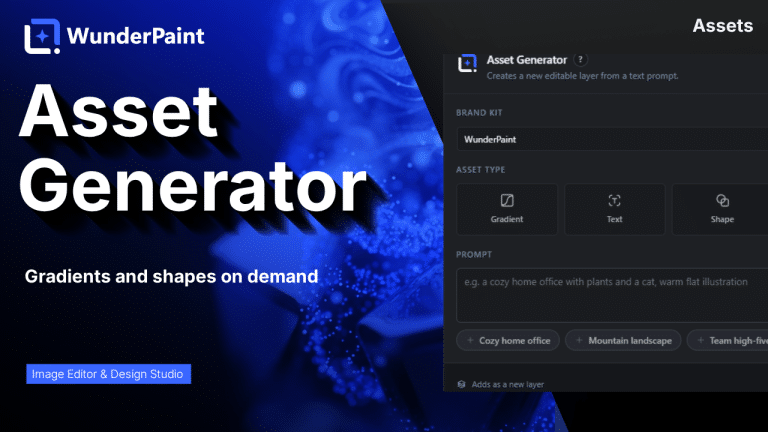
Gradients, text treatments, shapes and illustrations generated from a prompt, in your brand colors, arriving as editable layers.

Stock Images

Search Pexels, Pixabay and Unsplash without leaving the editor, and insert what you find as a layer rather than a download.

Asset Library

Ready-made designs across social, marketing and seasonal categories, opening as layered documents in a new tab so your current work stays untouched.

Brand Kits

Colors, typefaces, a logo, a watermark and a company profile in one place, feeding every picker, template and generator on the site.

Media Library Manager

Folders and tags that persist outside the editor, semantic search that finds images by what they show, color and orientation filters, smart folders, and a full set of housekeeping tools.

Check Contrast

Audits the text layers in your document, reports the contrast ratio for each and tells you which ones are hard to read.

QR Code Generator

Links, text, email, phone, SMS, Wi-Fi access and contact cards, styled with your colors, module shapes and a center logo.

Chart & Table

Turn data into chart or table layers that stay editable, styled with your own typeface and colors rather than a spreadsheet default.

Content Generator

Article, SEO title, meta description, slug, tags, FAQ and sources, plus body images, a featured image and a social crop, all as a draft.

Generate from CSV

Type placeholders into your text layers, pick a spreadsheet whose columns carry the same names, and every row renders the design once.