Most sites are full of oversized images, and the reason is not ignorance. It is that resizing and converting one picture at a time is dull, and dull work gets skipped under deadline.
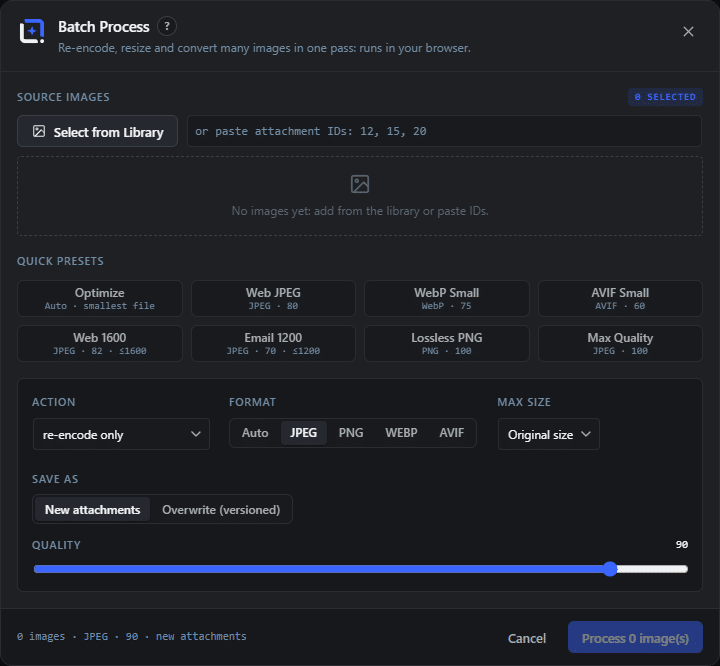
The Image Processor does the whole selection at once. Pick images from the library or paste attachment IDs, choose what should happen, and run. Quick presets cover the common cases: optimize, web JPEG, small WebP, small AVIF, web at 1600, email friendly at 1200, lossless PNG and maximum quality.
Under the presets sit the actual controls: format as auto, JPEG, PNG, WebP or AVIF, a maximum size, and a quality slider. Output as new attachments or as versioned overwrites, optionally watermarked in the same pass.
The part that makes this different from the usual optimization services: it runs in your browser, using the same codecs a modern browser already carries. No upload, no queue, no monthly quota, no per-image price, and nothing leaves your server. On a big library that is the difference between a subscription and an afternoon.
One rule regardless of tool: resize before you argue about format. A 4000 pixel photograph beautifully encoded as AVIF is still a catastrophe in a 600 pixel column.