QR Code Generator

Links, text, email, phone, SMS, Wi-Fi access and contact cards, styled with your colors, module shapes and a center logo.
The QR Code Generator dialog in WunderPaint
Design Tools

Seven kinds of code, in your brand colors, with your logo in the middle.

Here is a thing worth knowing about the free QR generators on the internet: a lot of them do not encode your link. They encode a link to their site, which then redirects. That is convenient right up until the service shuts down or starts charging, and every printed poster you made is dead.

Codes generated here contain your actual data. Nothing to expire, nothing to subscribe to, no redirect in the middle.

There are seven content types, and the ones beyond a plain link are the interesting ones. A Wi-Fi code that joins the network without anybody typing a password. A contact card that lands in the phone book in one tap. Email, phone, SMS and plain text as well.

Styling is where it stops being a utility and starts being design. Code color and background, transparent background if you want it on a photograph, square, rounded or dotted modules, separate styling for the three corner eyes, and a logo in the middle taken straight from your brand kit. It arrives as a layer, so it can sit inside a real design rather than next to one.

Play Video

Where to find it

Tools, then QR Code Generator

What it replaces

QR generator websites, several of which quietly expire your codes

What you get

  • Link, text, email, phone, SMS, Wi-Fi and vCard codes
  • Brand kit colors and logo
  • Module styles: square, rounded, dots
  • Separate eye style and eye color
  • Transparent background option
  • Inserted as an editable layer

Requirements

Part of the free plugin. Codes are generated locally and never expire.

Frequently asked questions

Not at a sensible size. QR codes carry error correction precisely so they survive damage and obstruction. Keep the logo to roughly a fifth of the width and test with two different phones before printing.
Not in the code itself, because the code contains the data. If you need to change the target later, point the code at a URL on your own site that you can redirect.
As a rule of thumb, about a tenth of the scanning distance. A code read from two metres away wants roughly twenty centimetres. And leave a quiet margin around it, the code needs that space to be found.

Features

Seven content types

Link, plain text, email with subject and body, phone call, SMS, Wi-Fi access and a full contact card.

Features

Styled, not just generated

Code and background colors, transparent background, square, rounded or dotted modules, and separate control over the corner eyes.

Features

Your logo in the center

Drop the brand kit logo or any image into the middle. Error correction carries the loss, which is why this works at all.

Features

No service in the middle

The code contains your data, generated on your machine. Nothing to expire and nothing to pay for later.

Experience QR Code Generator in WunderPaint

Seven kinds of code, in your brand colors, with your logo in the middle.

Brush & Paint Styles

Paint with six styles that mix pigment instead of blending it, pick from thirty-seven tips shown as real strokes, draw a tip of your own out of shapes, and let the color travel along the stroke.

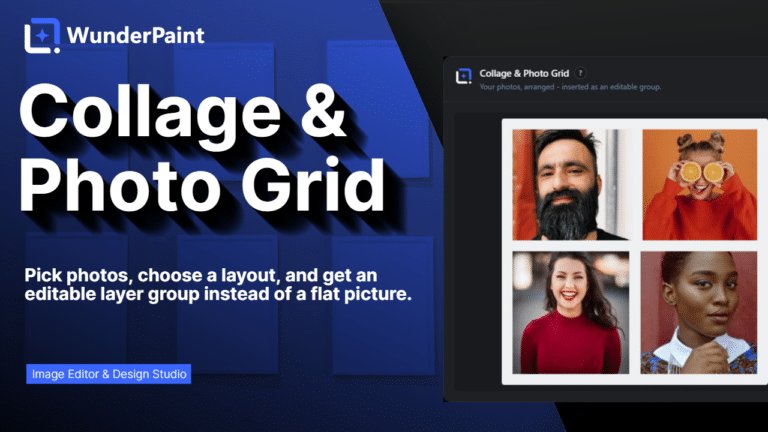
Collage & Photo Grid

Arrange media library photos as a grid, mosaic, polaroid, filmstrip or contact sheet, tune gaps, corners and frames on a live preview, and insert it all as an editable layer group.

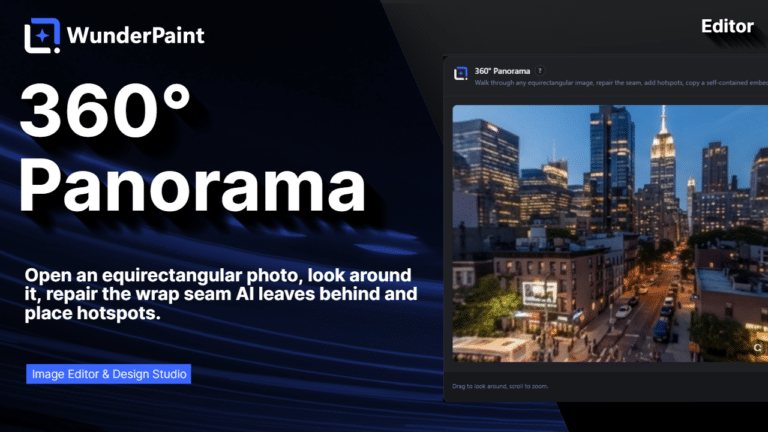
360° Panorama

Describe a place and the tool builds the full sphere around you, or let it rebuild a photo you already have as the whole scene around the camera. What comes out is somewhere visitors can look around, hotspots and all, in an embed that carries its own viewer.

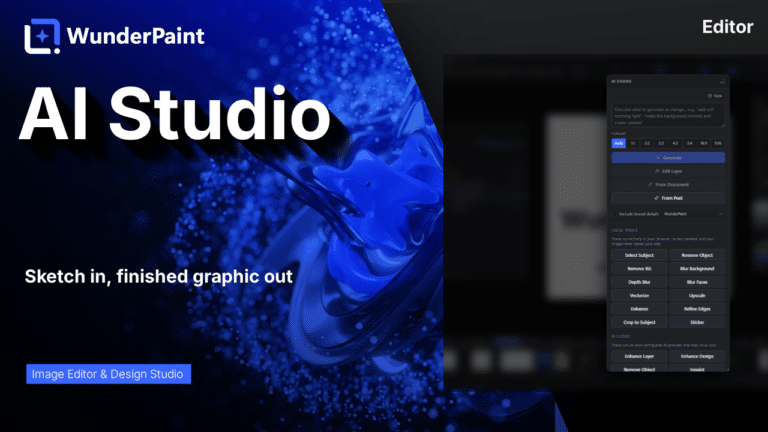
AI Studio

Generate, edit, retouch and clean up images from a prompt or a single click, all in one panel. Many tools run locally with no key; prompt generation uses your own Gemini or OpenAI.

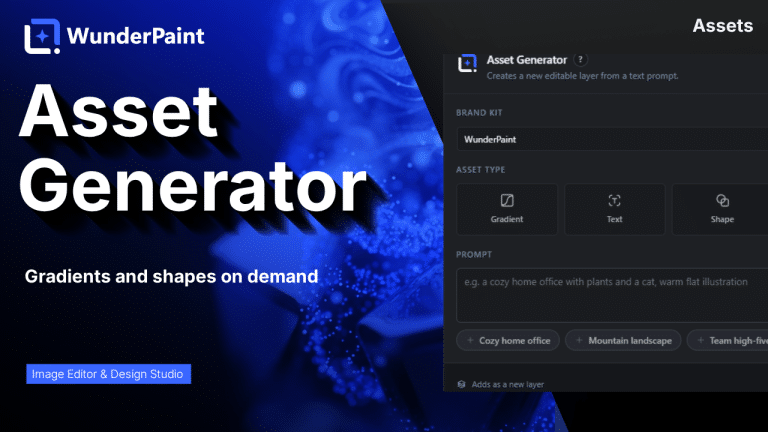
Asset Generator

Gradients, text treatments, shapes and illustrations generated from a prompt, in your brand colors, arriving as editable layers.

Stock Images

Search Pexels, Pixabay and Unsplash without leaving the editor, and insert what you find as a layer rather than a download.

Asset Library

Ready-made designs across social, marketing and seasonal categories, opening as layered documents in a new tab so your current work stays untouched.

Brand Kits

Colors, typefaces, a logo, a watermark and a company profile in one place, feeding every picker, template and generator on the site.

Media Library Manager

Folders and tags that persist outside the editor, semantic search that finds images by what they show, color and orientation filters, smart folders, and a full set of housekeeping tools.

Check Contrast

Audits the text layers in your document, reports the contrast ratio for each and tells you which ones are hard to read.

QR Code Generator

Links, text, email, phone, SMS, Wi-Fi access and contact cards, styled with your colors, module shapes and a center logo.

Chart & Table

Turn data into chart or table layers that stay editable, styled with your own typeface and colors rather than a spreadsheet default.

Content Generator

Article, SEO title, meta description, slug, tags, FAQ and sources, plus body images, a featured image and a social crop, all as a draft.

Generate from CSV

Type placeholders into your text layers, pick a spreadsheet whose columns carry the same names, and every row renders the design once.

Image Processor

Quick presets for web, email and lossless output, plus full control over format, quality and maximum size, applied across many images at once.