Brush & Paint Styles

Paint with six styles that mix pigment instead of blending it, pick from thirty-seven tips shown as real strokes, draw a tip of your own out of shapes, and let the color travel along the stroke.
Design Tools

A brush that behaves like paint: pigment that mixes, tips shown as strokes, and one you can draw yourself.

Blue over yellow turns green. That is what pigment does and what plain blending never will, and it is where this brush starts. The paint here is alive while you work: a watercolor wash flows, blooms and dries darker at the rim, clean water pushes standing color around or wakes dried color back up, oil stays open, drags along your stroke and builds real thickness that catches the light, charcoal and pastel break over the tooth of the paper, and a smudger blends whatever it crosses. Every medium mixes as pigment, reacts with the paint already on the layer, answers a pen’s pressure in its own way, and paints on the paper you choose, from hot-pressed smoothness to rough grain and canvas.\n\nEvery medium also brings its own brushes, tuned for it: wash heads for the watery media, bristles, filberts and knives for the pastes, sticks for the dry media. The full set of tips is shown as strokes rather than as names, because a name tells you nothing about a tip and a stroke tells you everything, grouped from the media brushes and paint through dry media and calligraphy to spray, dots and shapes. When none of them is the one you want, draw your own out of discs, rings, stars, bars and leaves, holes included. It is kept as a recipe, so it stays sharp at any size and travels inside the document to whoever opens it next.\n\nColor is a choice of three. Keep the one you picked, scatter every mark around it so the stroke reads as a hand rather than a machine, or run a gradient from where you set down to where you lift off. The Eraser takes the same tips, because erasing through a texture is a technique. And a right-click while you paint opens a small palette at the cursor: the wheel, the colors you used last, the color under the cursor ready to pick up, and a button that dries the wash on the spot.

Play Video

Where to find it

The tool rail, or press B

What it replaces

Opening a desktop painting app for one hand-drawn touch on a picture that lives in WordPress

What you get

  • Six paint styles: Normal, Watercolor, Gouache, Acrylic, Oil and Smudge
  • Thirty-seven tips, each one shown as the stroke it paints
  • A tip maker that builds your own from shapes, holes included
  • Saved tips that stay with you across documents
  • Color jitter and a gradient along the stroke
  • Size, hardness, opacity and flow, plus scatter and spacing per tip
  • The same tips on the Eraser
  • Symmetry painting, and an option to put each stroke on its own layer

Requirements

Part of the free plugin. Runs entirely in your browser, no key and no service.

Frequently asked questions

Yes. Pen pressure sets the width of the mark as you draw, so a stroke tapers the way it does on paper.
They do. Paint a blue stroke across a yellow one under Watercolor or Oil and you get green, which is what pigment does and what ordinary blending cannot give you.
Save it and it is listed above the shipped tips in every document you open. A tip you paint with is also copied into the document itself, so the picture looks the same on another machine.
No. Painting happens in your browser on the canvas in front of you, with no key, no account and no service.

Features

Paint that mixes

Normal blends the way most editors do. Watercolor, Gouache, Acrylic and Oil mix pigment, so blue over yellow turns green, and they carry what makes a medium recognizable: paint running out, a drying rim, grain in the paper, thickness that catches the light. Smudge brings no paint of its own and pushes around what it crosses.

Features

Tips you can see

Every tip is drawn as a real stroke by the engine that will paint it, grouped from paint and dry media through calligraphy to spray, dots and shapes. Click one to switch.

Features

Draw your own tip

Build a tip from discs, rings, stars, polygons, bars, leaves and arcs, punch a hole through it, or drop in an icon. It is stored as a recipe rather than as pixels, so it renders crisp at any size and travels inside the document.

Features

Color that travels

Give every mark a shade of its own, or run a gradient along the stroke and repeat it as often as you like. The same multi-stop bar the Gradient tool uses, so a ramp that ends on nothing fades the stroke out as you lift off.

Experience Brush & Paint Styles in WunderPaint

A brush that behaves like paint: pigment that mixes, tips shown as strokes, and one you can draw yourself.

Brush & Paint Styles

Paint with six styles that mix pigment instead of blending it, pick from thirty-seven tips shown as real strokes, draw a tip of your own out of shapes, and let the color travel along the stroke.

Collage & Photo Grid

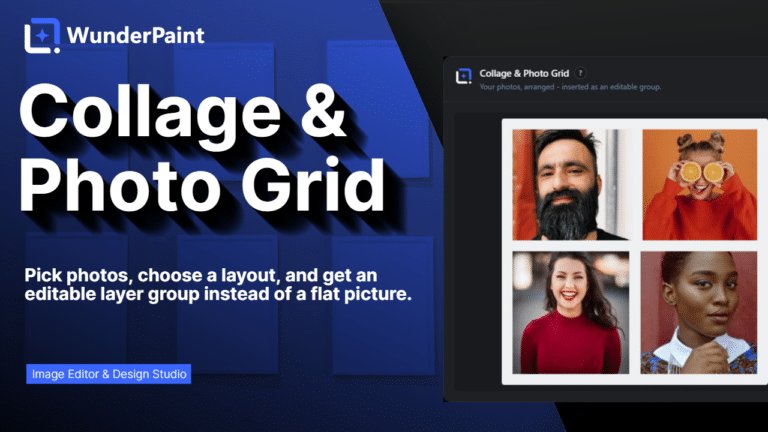
Arrange media library photos as a grid, mosaic, polaroid, filmstrip or contact sheet, tune gaps, corners and frames on a live preview, and insert it all as an editable layer group.

360° Panorama

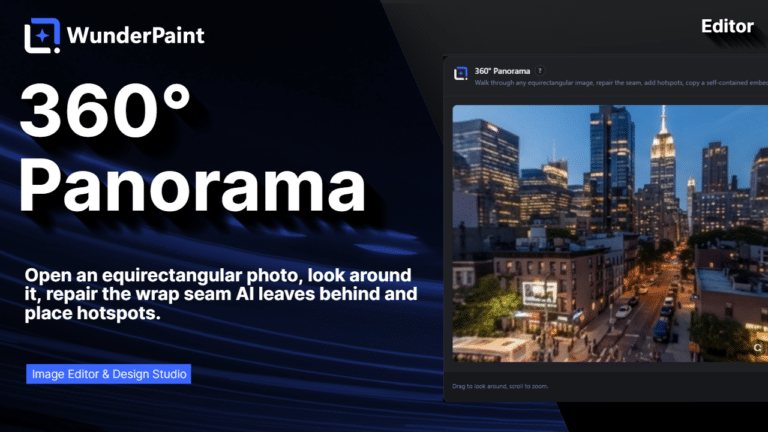
Describe a place and the tool builds the full sphere around you, or let it rebuild a photo you already have as the whole scene around the camera. What comes out is somewhere visitors can look around, hotspots and all, in an embed that carries its own viewer.

AI Studio

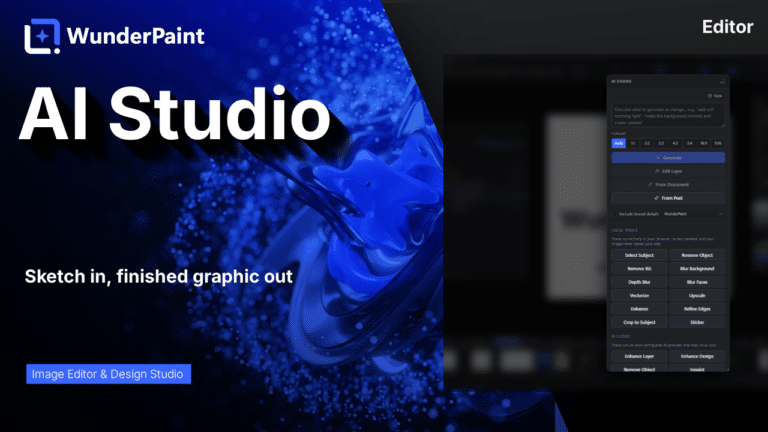
Generate, edit, retouch and clean up images from a prompt or a single click, all in one panel. Many tools run locally with no key; prompt generation uses your own Gemini or OpenAI.

Asset Generator

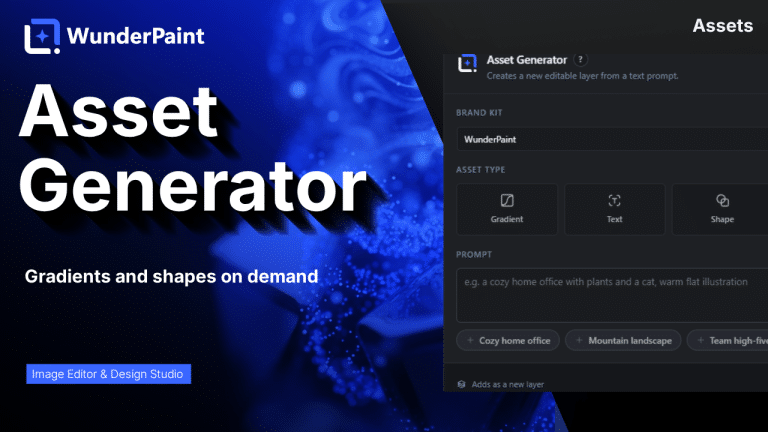
Gradients, text treatments, shapes and illustrations generated from a prompt, in your brand colors, arriving as editable layers.

Stock Images

Search Pexels, Pixabay and Unsplash without leaving the editor, and insert what you find as a layer rather than a download.

Asset Library

Ready-made designs across social, marketing and seasonal categories, opening as layered documents in a new tab so your current work stays untouched.

Brand Kits

Colors, typefaces, a logo, a watermark and a company profile in one place, feeding every picker, template and generator on the site.

Media Library Manager

Folders and tags that persist outside the editor, semantic search that finds images by what they show, color and orientation filters, smart folders, and a full set of housekeeping tools.

Check Contrast

Audits the text layers in your document, reports the contrast ratio for each and tells you which ones are hard to read.

QR Code Generator

Links, text, email, phone, SMS, Wi-Fi access and contact cards, styled with your colors, module shapes and a center logo.

Chart & Table

Turn data into chart or table layers that stay editable, styled with your own typeface and colors rather than a spreadsheet default.

Content Generator

Article, SEO title, meta description, slug, tags, FAQ and sources, plus body images, a featured image and a social crop, all as a draft.

Generate from CSV

Type placeholders into your text layers, pick a spreadsheet whose columns carry the same names, and every row renders the design once.

Image Processor

Quick presets for web, email and lossless output, plus full control over format, quality and maximum size, applied across many images at once.